 Efficient Compute
AI Video in Talk: make a video from a photo, a clip or a sentence
AI Video is the part of Talk that makes the shot you never filmed. Give it a photo and it brings the photo to life, or turns it into one of 30+ templates: wings, a turn to gold, a zoom out to the whole Earth. Give it a clip and it carries the shot on, changes what you describe, or keeps the people and replaces the place behind them. Or describe a new shot in a sentence. Each result is a clip of up to 15 seconds that lands on your timeline like any other. AI Video is part of Talk Pro, every plan includes video credits, and each video’s price shows before you make it.
What the templates make
A template is a look, an effect or a camera move made from your photo, with nothing to type. These are real results, each from one sample photo.

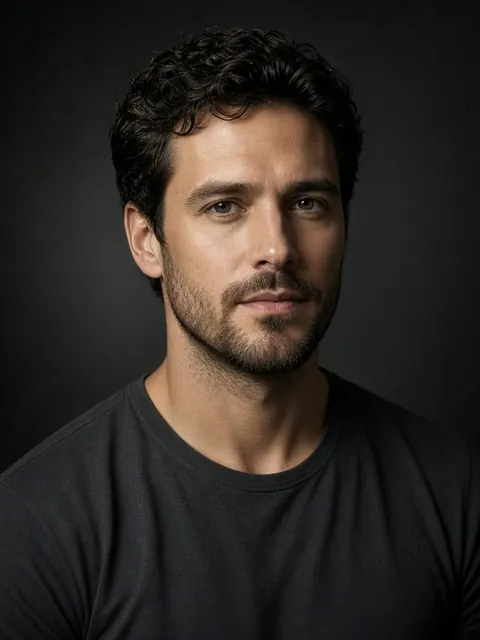
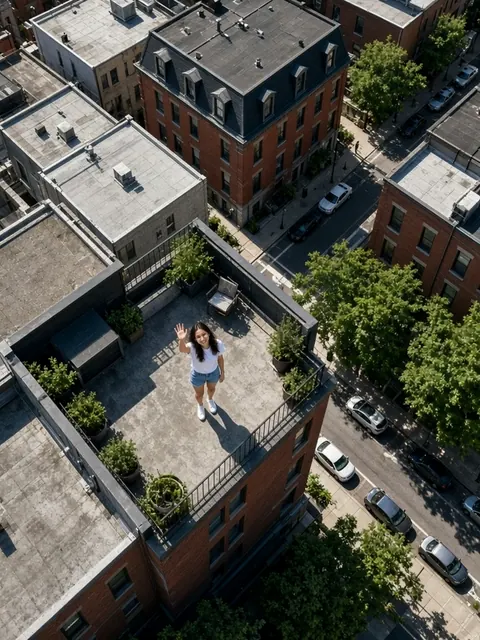


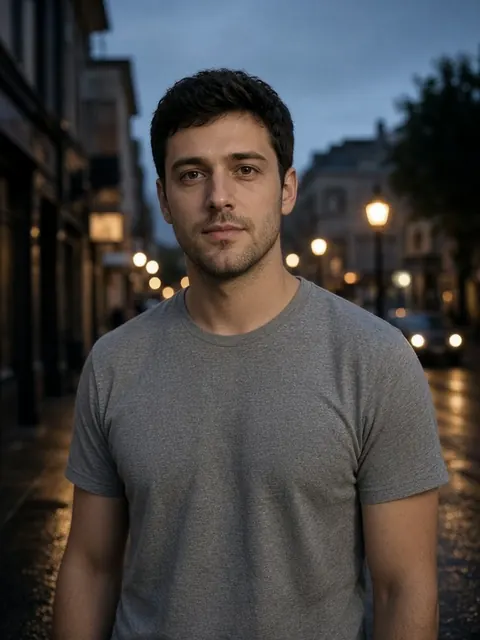



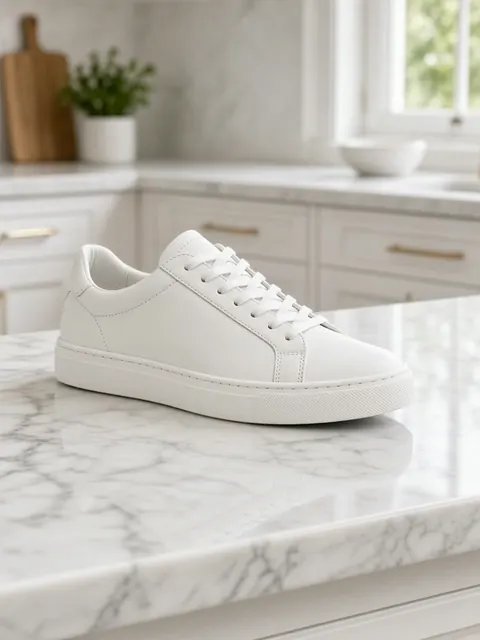
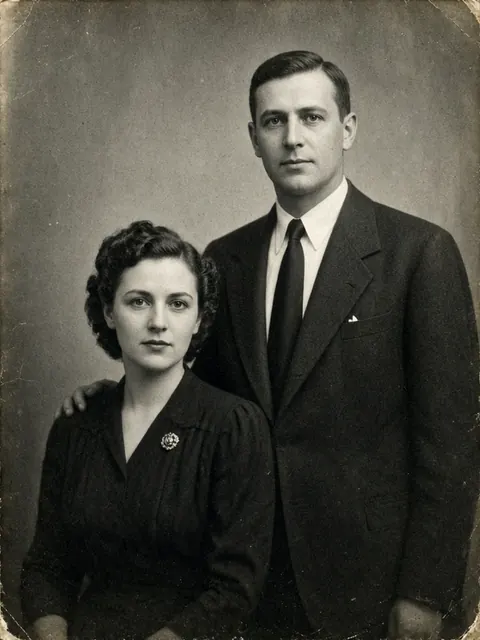

Each from one sample photo made with AI; Morph and Portal take two, a start and an end. What you get depends on your photo, and a template can come out differently each time.
Seven ways to make one
| From a prompt | A new clip from a description, such as “A drone shot over a misty forest at sunrise”. 5, 10 or 15 seconds, in your project’s shape: 16:9, 9:16, 1:1, 4:3 or 3:4. |
|---|---|
| Templates | 30+ looks, effects and camera moves made from one photo, or two for the transitions. 3 to 5 seconds, nothing to type. |
| Animate a photo | Brings a photo, or the frame of your video at the playhead, to life, as you describe it or not at all: “Hair moving in the wind, slow push in”. 5 or 10 seconds. |
| Make someone move | The person in a photo performs the moves from a video, such as a dance. Add words to change the scene as well: “On a beach at sunset”. |
| Extend a clip | 3, 5, 8 or 10 new seconds that carry the selected clip on from its last frame, placed right after it. More on extending a video. |
| Edit footage | Changes up to 15 seconds of the selected footage as you describe: “Make it snow”, “Make it look like 1970s film”. The result replaces that stretch on the timeline, and undo brings it back. |
| Change the setting | Keeps the people and replaces the place behind them, from words or a photo of the place: “A neon-lit Tokyo street at night”. Other ways to change a background. |
You can also ask in the prompt bar, where Talk takes every other instruction: “Generate a video of waves crashing on rocks at sunset”, or “Continue this shot for 5 more seconds with AI”. The clip lands where the AI Video sheet would put it, after the same price check.
How to make an AI video
- Open AI Video In the editor, tap AI Video in the toolbar. An empty project also offers Make a video with AI, and on the projects screen, Make it with AI opens the templates.
- Choose what to make Pick one of the seven uses from the row at the top. Templates are grouped by kind: people, memories, effects, places, camera moves and more.
- Add the photo, or select the clip A photo comes from your library, or from the frame of your video at the playhead. For an extension, an edit or a new setting, select the clip on the timeline before you open AI Video.
- Describe it, if the use takes words Type or dictate what you want. Templates need no words, and animating a photo works without them.
- Tap Generate The button shows the price in video credits before you tap. The first time, Talk asks you to agree to sending your photo or clip to make the video.
- Leave it, or wait Most videos take one to three minutes; edits of footage and new settings, about ten. You can leave the app: a notification says when the video is ready, and it goes on your timeline. Every video you make stays in AI Video’s history on your phone until you delete it, so you can add it to another project without paying again.
What it costs
| Talk Pro | $7.99 a week, $14.99 a month or $69.99 a year. Every plan includes video credits, which refill with the plan; unused ones don’t carry over. |
|---|---|
| Price of a video | On the Generate button before you tap it, in credits. It depends on the use and the length. A request that’s refused, or a video the service fails to make, costs nothing. |
| Credit packs | 30 credits for $4.99, 70 for $9.99, or 140 for $17.99. One-time purchases for Pro subscribers; bought credits never expire. |
| Free tier | No AI Video. Everything else in Talk’s free tier stays free, with no watermark on any export. |
US App Store prices; they may differ by territory. Settings → AI Videos → Video Credits shows your balance, when the plan’s credits refill and what each use costs.
What gets uploaded
AI Video is the one part of Talk that sends your photos and footage off the phone, and it sends only what you choose for that video: the words, and the photos, clips or frames you picked. Our servers pass them to Qwen Cloud, Alibaba Cloud’s AI service, which makes the video in Alibaba Cloud’s Singapore region.
- Qwen Cloud keeps the photos and clips you send for up to 2 days.
- Finished videos are kept on our servers for up to 30 days, so the app can download them, then deleted.
- The words are checked first by OpenAI’s moderation service, which receives the words only.
- We keep the words for up to 12 months to see what people ask for, and nothing you send is used to train AI models.
The rest of Talk still runs on the phone: captions, silence removal, face blur and export never upload your video. The privacy policy has the detail.
Frequently asked questions
Is AI Video free?
No. AI Video is part of Talk Pro, at $7.99 a week, $14.99 a month or $69.99 a year, and every plan includes video credits. Credit packs add 30 credits for $4.99, 70 for $9.99 or 140 for $17.99. The rest of Talk, including prompt editing, captions and 1080p export with no watermark, is free.
How long can an AI video be?
Up to 15 seconds. A clip from a prompt is 5, 10 or 15 seconds, an animated photo 5 or 10, and a template 3 to 5. An extension adds 3, 5, 8 or 10 seconds to a clip. An edit, a new setting or a dance copied from a video is as long as the footage it works from, up to 15 seconds.
How long does an AI video take to make?
Most take one to three minutes. Edits of footage and new settings take about ten. You can leave the app while it works: a notification says when the video is ready, and it goes on your timeline when you return.
Do video credits expire?
The credits that come with a plan refill with it, and unused ones don’t carry over. Credits you buy in a pack never expire, and are spent after the plan’s.
Can I use a photo of someone else?
Only with their permission. The templates that change a person ask you to confirm that the person in the photo is 18 or older and agreed, and Old photo revival asks you to confirm that you own the photo or may use it.
Can I ask for an AI video in the prompt bar?
Yes. Say or type something like “Generate a video of waves crashing on rocks at sunset” or “Continue this shot for 5 more seconds with AI”, and Talk starts the job with the same price check as the AI Video sheet. Making someone move and the two-photo templates still need the sheet, to pick the photos.
Does AI Video work offline?
No. The videos are made on Qwen Cloud’s servers, so AI Video needs a connection. Talk’s cutting, captions and export work without one.